
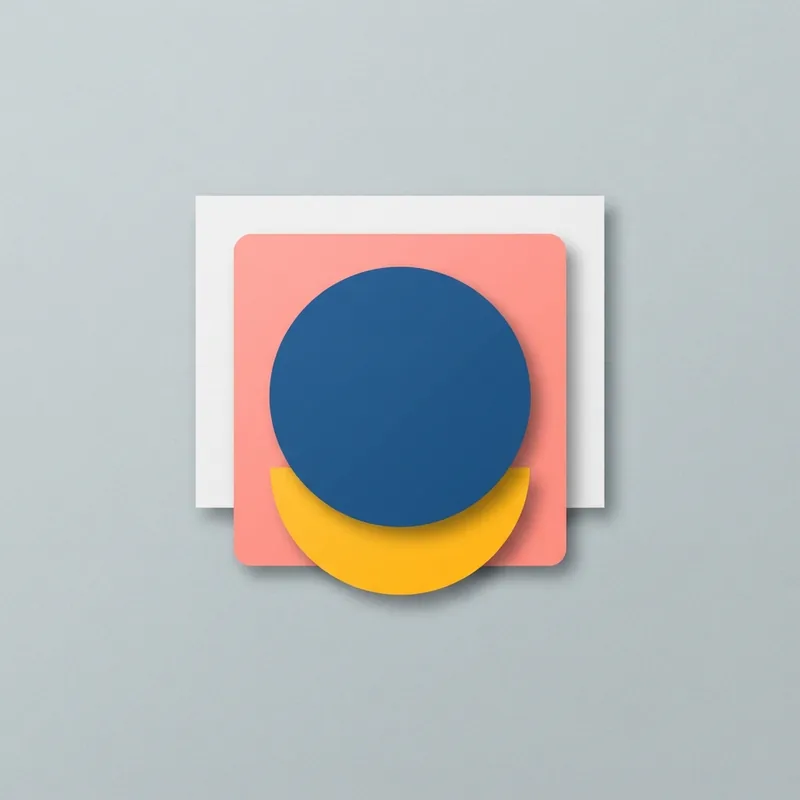
Material Design is Google's software design language, built on grid layouts, responsive motion, and paper-like surfaces with shadows and edges. It organizes screens into clear layers you can almost touch.
Key traits
- Grid-based
- Layered
- UI-like
Palette
- #6200ee
- #018786
- #fafafa
Origins
Google introduced Material Design, codenamed Quantum Paper, on June 25, 2014 at its I/O conference. It grew out of the card interface seen in Google Now and was meant to blend established design principles with the capabilities of technology. Head designer Matías Duarte described digital material as having physical surfaces and edges, where seams and shadows signal what can be touched. Later revisions followed in 2018, 2021, and 2025.
Visual language
Surfaces behave like sheets of paper and ink, lifted by soft shadows and lighting. Layouts sit on grids with generous padding, and components such as cards, buttons, and bars stack in clear layers. Motion is responsive and purposeful, animating transitions between states. Iconography is simple and geometric, while typography is clean and highly legible. Depth cues, rounded corners, and consistent spacing make every element read as a distinct, touchable piece.
Palette and type
Early versions favored bright accent colors over light neutral backgrounds, with bold color used to signal actions and hierarchy. Later revisions added customizable themes generated from user wallpapers and more colorful, expressive schemes. Type is a clean sans serif, set in clear size steps, with generous spacing and strong legibility across small screens.
What it signals
The style reads as orderly, modern, and trustworthy, communicating that software is coherent and easy to operate. Shadows and layering suggest physicality without full realism, so it feels approachable rather than cold. Its association with a major platform can make it look corporate or generic when applied without customization.
Where it works
It suits mobile apps, web dashboards, and cross-platform products that need consistent components and clear touch targets. It works less well when a brand wants strong individuality, since default components can look interchangeable. Overuse of cards and shadows can feel heavy or dated.
Related styles
Sources
- Material Design, Wikipedia accessed 2026-10-22
- Flat Design, Aesthetics Wiki accessed 2026-10-22